
Lee County Court Dockets Explained
A docket is the court's running list of case events. In Lee County, a docket can show filings, hearings, settings, orders, motions, continuances, pleas, judgments, and dispositions. A hearing calendar is more date-focused. It helps identify when a person, attorney, party, or case is expected in court. A case docket is more history-focused. It shows what has happened in the record and what remains pending. Both are useful, but neither should be treated as the full paper case file.
The public online path is the NC eCourts Portal, which the Lee County Judicial Branch page links for court dates, case searches, payments, and judgment searches. If the goal is to find a date, use the hearing search first. If the goal is to read the sequence of filings and orders, use Smart Search and open the case record. For certified copies, older files, or details not visible online, the Clerk of Superior Court is the local record office.
The official North Carolina court structure overview is one of the Lee County court docket image sources.
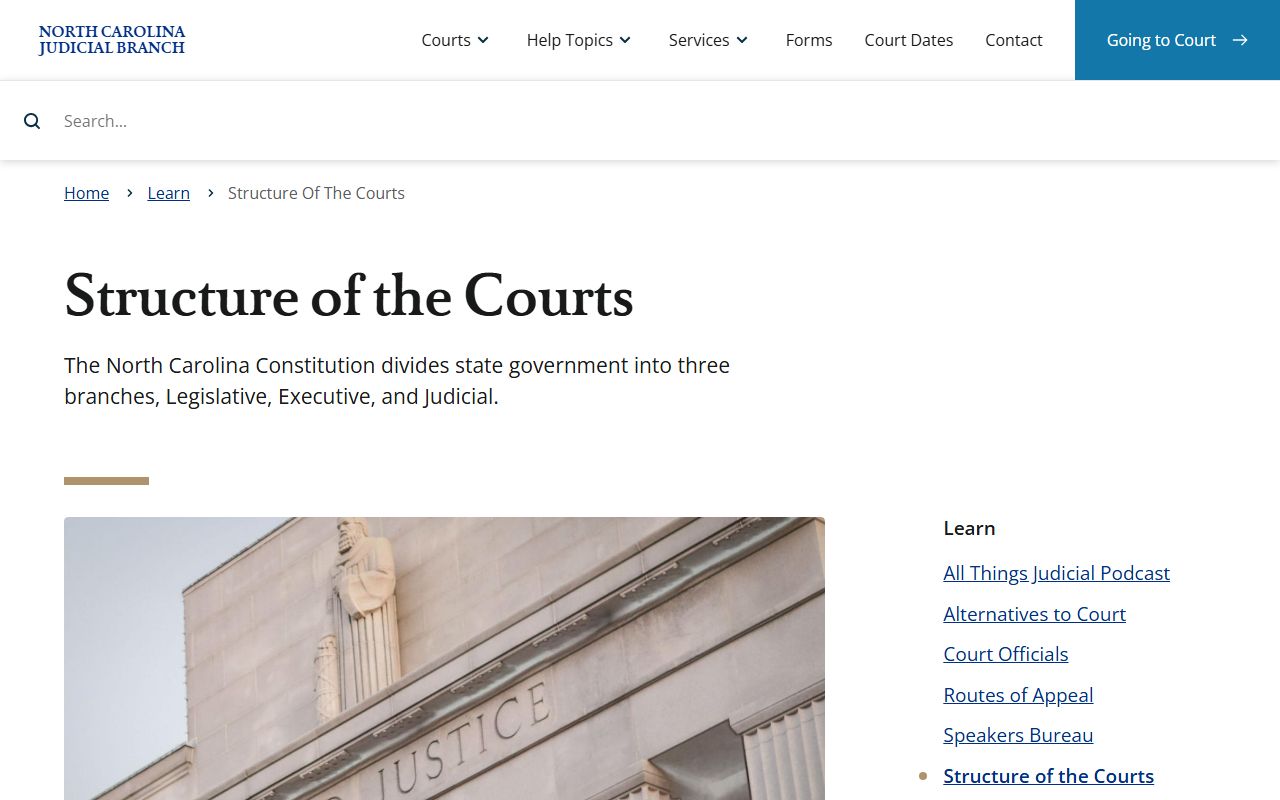
Understanding the court structure helps explain why a docket may be labeled for Superior Court, District Court, magistrate matters, or an appellate level.
How to Find Lee County Dockets Online
Lee County docket searching begins with the NC eCourts Portal. The Portal has a hearing search for court dates and a Smart Search for case information. The research confirmed high-level hearing search access from the Portal landing page, though the exact hearing-search screen was not fully rendered in static inspection. Smart Search fields are better documented and include record number, party name, Lee County location filtering, filing date filters, case type, case status, and other advanced criteria.
A person with a citation number, case number, or exact party name has the best chance of finding the right docket. When only a name is known, use Lee County as a location filter and add a filing-date range if the name is common. For business names, Portal instructions say to use advanced filtering or wildcard handling for commas. If the online date conflicts with a notice or custody information, confirm with the clerk or the appropriate court contact before relying on the date.
- Open the NC eCourts Portal and choose hearing search for dates or Smart Search for the full case event trail.
- Enter a case number, citation number, party name, attorney name, or other identifier available from the notice or record.
- Filter by Lee County when the option is available, then add date, case type, or status filters if the result list is too broad.
- Review the event type, hearing date, court division, parties, case number, and any visible docket entries.
- Contact the Lee County Clerk of Superior Court when an event is missing, changed, sealed, or not clear from the online result.
Lee County Docket Search Fields
Research did not confirm a full static field inventory for the hearing-search screen, so the most complete verified field set comes from Smart Search. That matters because many users search a case first, then check the docket and hearings inside the case result. Portal requires JavaScript and cookies, and a CAPTCHA is repeated every ten minutes for anonymous, registered, and elevated access users. Public searching does not require a PACER-style paid account, though sign-in is available for user features and higher access levels.
| Field | How It Helps With Dockets |
|---|---|
| Record number or case number | Targets one docket or hearing record without relying on a common party name. |
| Party name | Finds civil parties, criminal defendants, estate names, or other indexed parties where public access allows. |
| Location filter | Limits statewide results to Lee County when the filter is used. |
| Case type | Can narrow results by civil, criminal, family, estate, traffic, or other categories when options are exposed. |
| Case status | Separates pending matters from closed or disposed cases when the status filter is available. |
| File date range | Reduces result volume for names that appear in many Lee County records. |
| Hearing information | Shows date, court location, event type, and setting details when visible in Portal. |
Lee County Courts With Dockets
Lee County is part of North Carolina's unified state court system. It does not operate a separate municipal court system for ordinary state court dockets. Superior Court and District Court sit in Lee County through District 12, and the Clerk of Superior Court maintains the trial-court records for both divisions. Magistrates handle warrants, bail, small claims, evictions, recovery of personal property, mechanics' lien matters, and certain minor pleas. Those proceedings can create records or hearing events, but access depends on the record type and the stage of the case.
The statewide Superior Court page is a manifest image source for Lee County court dockets.
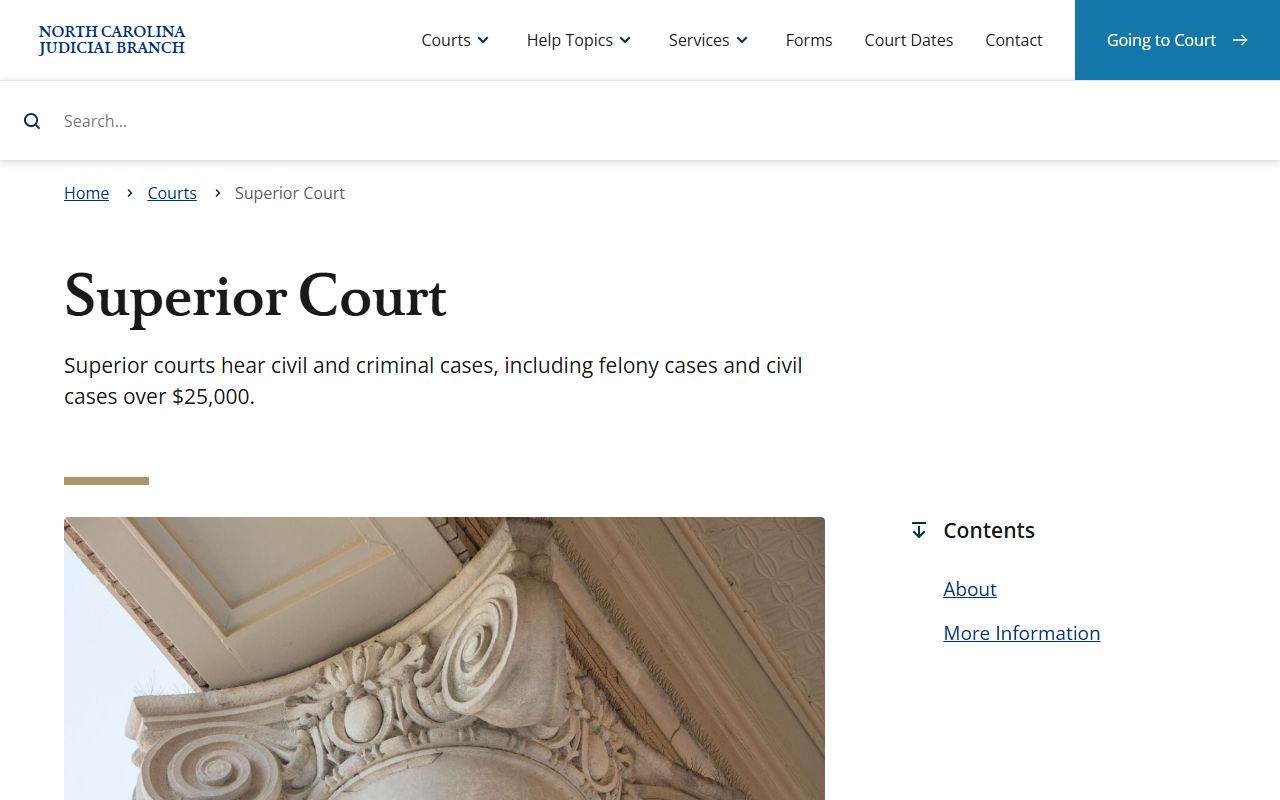
Superior Court matters in Lee County include felonies, civil cases over the state threshold, and appeals from District Court misdemeanors or infractions.
- Superior Court handles felony dockets, higher-value civil matters, and misdemeanor or infraction appeals from District Court.
- District Court handles misdemeanors, infractions, juvenile cases, divorce, custody, support, and lower-value civil cases.
- Magistrates handle warrants, bail, small claims, evictions, and certain minor pleas or waivers.
- Clerk of Superior Court handles estates, special proceedings, court records, and probate-related docket activity.
Lee County Dockets vs Records
A docket answers timeline questions. It can help identify a hearing date, a motion filing, a continuance, a plea, an order, or a disposition. A full case record answers document questions. It may include pleadings, notices, orders, judgments, charging papers, estate filings, and other case materials. Portal may show some documents, but access can be limited by user status, confidentiality, sealing, redaction rules, and whether the document exists in digital form.
For criminal matters, the distinction can be important. A docket event may show that a hearing occurred or a disposition was entered. The full criminal case file may show the charge history, indictment, plea, sentencing order, probation terms, restitution, or appeal. For civil matters, the docket may show a judgment entry, but the file or certified copy may be needed for legal use. The separate Lee County court records page explains broader case-file access.
| Docket | Full Case Record | |
|---|---|---|
| Format | Chronological list of events and settings. | Case file with available documents, filings, orders, and indexes. |
| Best use | Track hearing dates, case progress, continuances, and outcomes. | Review pleadings, orders, judgments, certified copies, or full procedural history. |
| Online access | Often visible through Portal hearing search or Smart Search. | May be online in part, but paper file or clerk copy request may be needed. |
| Limits | May omit confidential, sealed, or recently changed details. | May include restricted documents that are not public or not viewable online. |
How to Read Lee County Dockets
Docket terms are short because the docket is built for court operations. A motion is a request for a ruling. An order is the judge's directive. A judgment is the final or enforceable decision on a claim or obligation. A disposition is the outcome of a case or charge, such as dismissed, guilty, not guilty, responsible, or judgment entered. A continuance means a hearing or trial was delayed or reset. A special proceeding is a statutory clerk proceeding, often tied to estates, guardianships, partitions, or similar matters.
Criminal dockets may include first appearances, bond settings, pleas, probable cause matters, indictments, trial settings, dispositions, sentencing, probation, restitution, and appeals. Civil dockets may include complaints, answers, motions, hearings, mediation, orders, judgments, liens, or lis pendens. Family dockets may show divorce, custody, support, equitable distribution, and protective-order events. Juvenile and mental health events may be restricted. A docket that seems blank or incomplete may reflect sealing, confidentiality, a recent change, or a paper-file item that is not visible online.
The official North Carolina District Court page is the third manifest image source for Lee County court dockets.
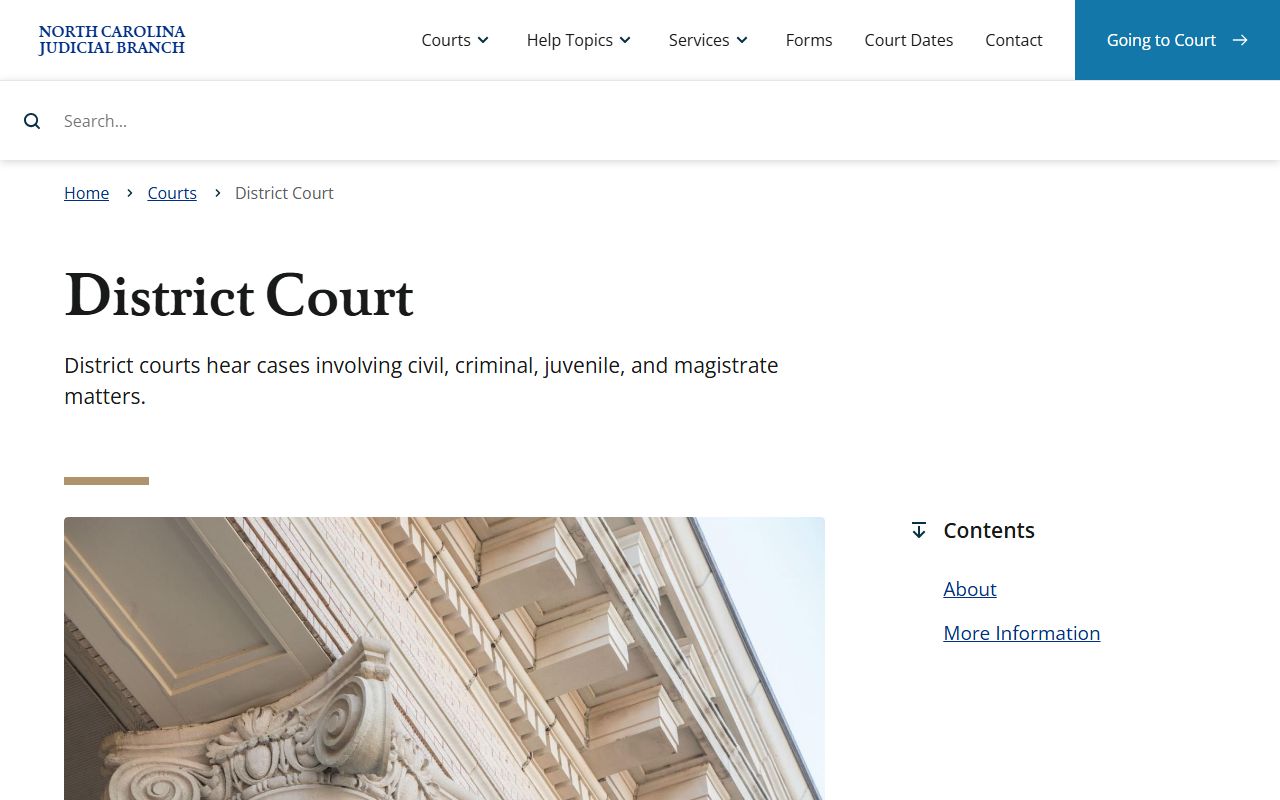
District Court docket entries are especially common for misdemeanors, infractions, family cases, juvenile matters, and lower-value civil disputes.
Note: Court dates can change after online viewing, so verify urgent settings with the clerk or official court notice.
Changed Lee County Hearing Dates
Several official Lee County sources warn against relying on one channel for time-sensitive court information. Portal is the online search path, but the Lee County Detention Facility page says jail court dates are updated within 48 business hours after the detention facility receives them from the courts. It also says Superior Court dates will not be shown there because the inmate must appear before a Superior Court judge when called. That jail notice is not a court docket rule, but it shows why custody records and hearing calendars may not match in real time.
Traffic matters have their own local scheduling note. Lee County Administrative Traffic Court, also called Disposition Court, runs from 9:00 AM to 4:00 PM on the scheduled court date. The official page says a person may appear any time during those hours, in person or through a lawyer, but it also warns that Administrative Traffic Court is not the trial court and the officer who issued the citation will not be present. For trial settings, contested matters, and continuances, use the court notice, Portal, and clerk contacts rather than a custody or payment screen alone.